Best CRM Software for Small Business in 2026: My Honest Picks

I’ll be honest with you: for the first two years of running my own business, my “CRM” was a spreadsheet with 14 tabs and a prayer. Follow-ups slipped through the cracks, I emailed the same prospect twice with different offers, and I had no idea which leads were actually worth my time. Switching to a real CRM changed that almost overnight — and in 2026, with AI baked into nearly every serious platform, the gap between businesses that use a CRM well and those that don’t has never been wider.
The numbers back this up. According to DemandSage, 91% of companies with 10 or more employees now use CRM software, yet adoption drops to roughly 50% for businesses with fewer than 10 people. That’s a huge missed opportunity, because small teams are exactly who benefit most from automated follow-ups and a single source of truth for every customer conversation.
In this guide, I’ll walk you through the best CRM software for small business in 2026, based on my own hands-on testing, real pricing, and the AI features that actually move the needle — not the ones that just look good in a demo.
Why Your Small Business Needs a CRM in 2026
A CRM (customer relationship management) platform is the system that stores every contact, deal, email, and interaction in one place. It sounds simple, but the compounding effect is enormous: no lost leads, no forgotten follow-ups, and no guessing about which marketing channel actually produces buyers.
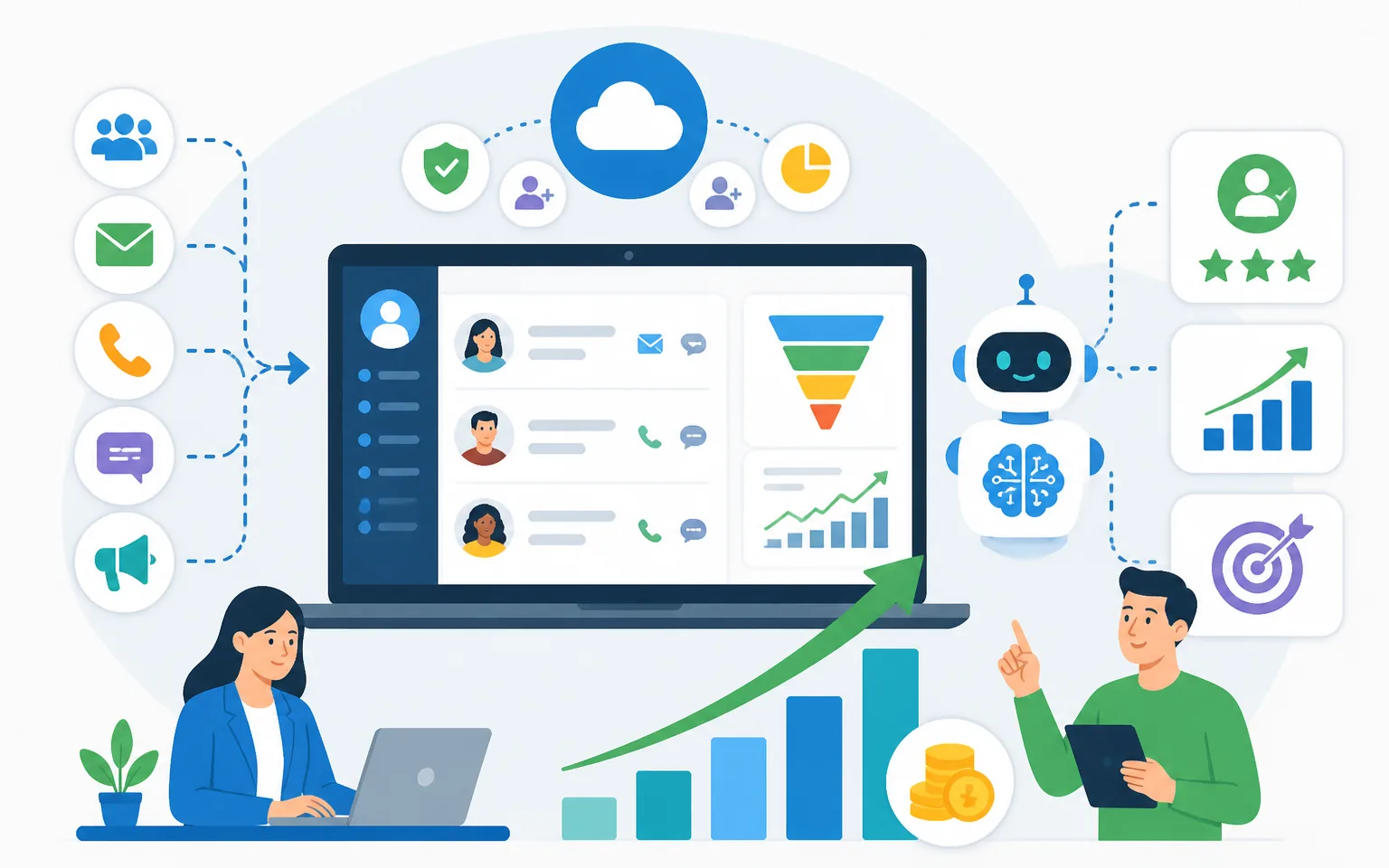
The market reflects that value. Research compiled by Salesmate projects the global CRM market will reach roughly $126 billion in 2026, growing at over 12% annually. And the ROI story is compelling even under conservative estimates: Nucleus Research’s widely cited benchmark once put CRM returns at $8.71 per $1 spent, while its more recent analysis across 63 case studies lands nearer $3.10 per dollar — still a return most small-business investments can’t touch.
Here’s the part that matters most in 2026: AI changes the math. Per Digital Applied’s CRM data reference, CRM combined with AI capabilities returns around $13.50 per dollar invested — a 55% premium over standalone CRM. Meanwhile, about 65% of businesses already use CRM systems with AI features, and companies using AI in their sales process are 83% more likely to exceed their sales goals, according to SellersCommerce.
If you’re building your business around AI workflows already — something I covered in my guide to AI agents for small business — an AI-capable CRM is the natural home base for all of it.
How I Evaluated These CRM Platforms
I judge small-business CRMs on five criteria. First, ease of setup: if your team can’t be productive in a week, the tool is wrong for a small business. Second, honest pricing: not the teaser rate, but what you’ll actually pay once you need automation. Third, AI features that save time: lead scoring, email drafting, call summaries, and forecasting. Fourth, email marketing integration, because for most small businesses the CRM and the inbox are where revenue happens. Fifth, room to grow without a painful migration.
One more note on methodology: I’ve personally used several of these tools in my own business and for client projects, and I’ve cross-checked pricing against each vendor’s current published plans. Pricing changes often, so always confirm on the vendor’s site before you commit.
The Best CRM Software for Small Business in 2026
1. HubSpot CRM — Best Free Starting Point
HubSpot remains the easiest recommendation for a small business taking its first step beyond spreadsheets. The free tier is remarkably generous: contact management for up to a million contacts, deal pipelines, email integration, live chat, and a meeting scheduler — all at $0. According to EmailTooltester’s 2026 CRM roundup, HubSpot’s free plan offers the most features at no cost of any major CRM.
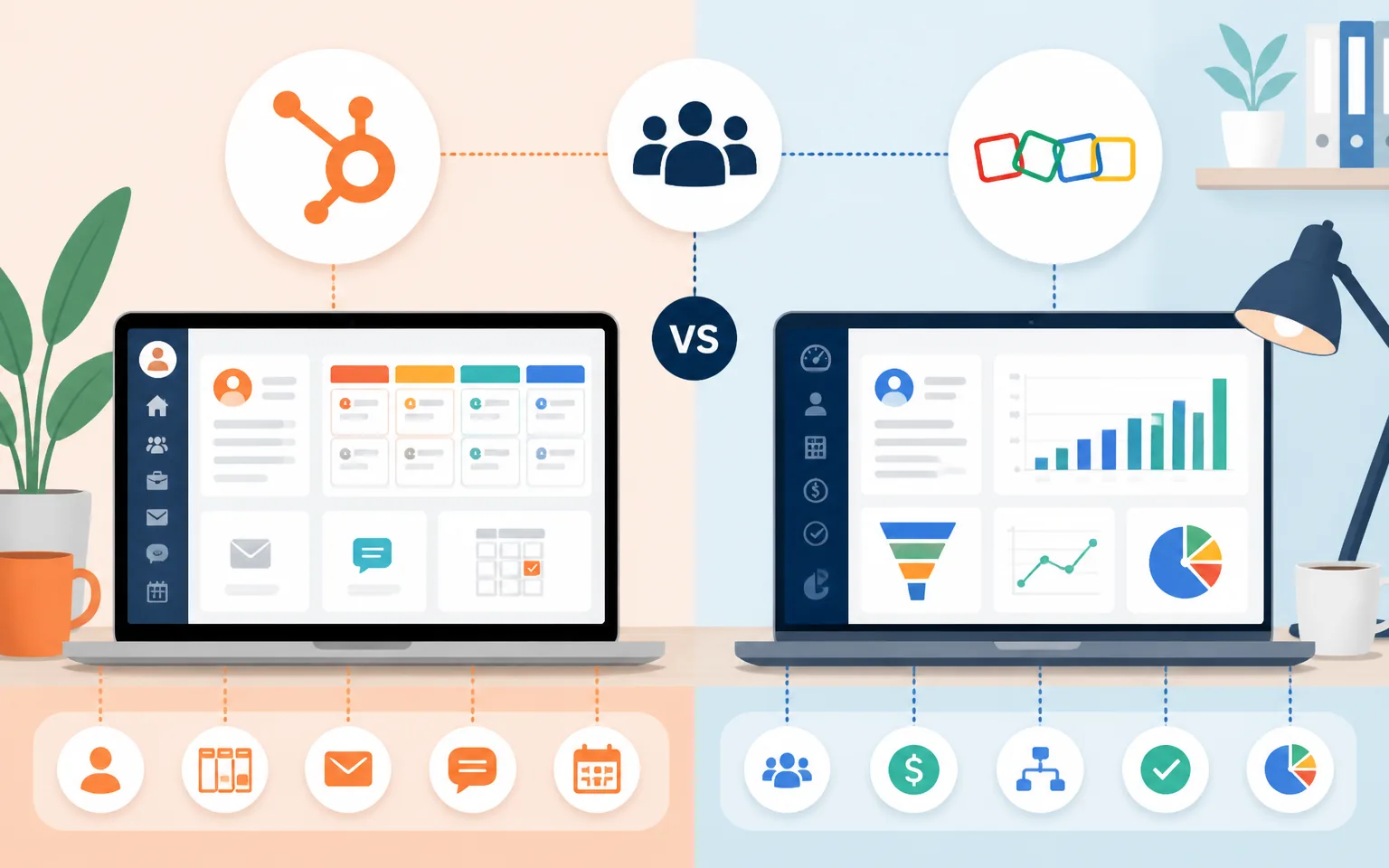
The catch is well known: the paid tiers escalate quickly. Advanced automation, AI content assistants, and detailed reporting live in the Professional tiers, which can jump from tens to hundreds of dollars per month. My advice: start free, squeeze every drop out of it, and only upgrade when a specific bottleneck (usually automation) demands it.
Best for: businesses that want marketing and sales in one platform and plan to scale both together.
2. Zoho CRM — Best Value for Money
Zoho is the value leader in 2026, and it isn’t particularly close. The free edition covers three users, Standard runs $14 per user per month on annual billing, Professional is $23, and even the Enterprise tier at $40 undercuts competitors’ mid-level plans. For that money you get workflow automation, omnichannel communication, and Zia — Zoho’s AI assistant that handles lead scoring, anomaly detection, and email drafting.
The trade-off is polish. Zoho’s interface has improved enormously, but it still feels busier than HubSpot or Pipedrive, and the sheer number of settings can overwhelm a first-time CRM user. Budget an extra week for setup and you’ll be rewarded with the deepest feature set per dollar in the industry.
Best for: budget-conscious teams that want maximum customization and don’t mind a learning curve.
3. Pipedrive — Best for Sales-First Teams
Pipedrive does one thing exceptionally well: visual pipeline management. Every deal is a card, every stage is a column, and your entire sales process is visible at a glance. Plans start around $14–24 per user per month depending on billing, with the Growth tier near $49 adding automation workflows, group emailing, and scheduling.
In 2026, Pipedrive’s AI sales assistant suggests next actions, flags deals at risk of going cold, and summarizes email threads. It won’t run your marketing — that’s not what it’s for — but if your business lives and dies by outbound sales activity, Pipedrive removes friction better than anything else I’ve tested. Industry comparisons like Salesflare’s four-way CRM breakdown consistently reach the same conclusion: Pipedrive wins for sales-led simplicity.
Best for: small sales teams that want simple, visual deal tracking without marketing bloat.
4. Freshsales — Best Built-In AI on a Budget
Freshsales (from Freshworks) deserves more attention than it gets. Its free tier supports three users, paid plans start around $9–11 per user per month, and its Freddy AI assistant is included at lower tiers than most competitors’ AI offerings. Freddy handles contact scoring, deal insights, out-of-office detection, and email generation.
The platform also includes built-in phone and email, which means fewer integrations to duct-tape together. Where it falls short is the app marketplace — smaller than HubSpot’s or Zoho’s — so check that your existing tools connect before committing.
Best for: teams that want serious AI features at the lowest possible price.
5. GoHighLevel — Best All-in-One for Marketers and Agencies
GoHighLevel is less a CRM and more a complete marketing operating system: CRM, funnels, email, SMS, booking calendars, reputation management, and website builder in one subscription starting at $97 per month (flat, not per user). For agencies and marketing-driven businesses, replacing five tool subscriptions with one is a genuinely compelling pitch.
I’ve written a full breakdown in my GoHighLevel review, so I’ll keep it short here: the power is real, the learning curve is real too. If you only need contact and deal management, it’s overkill. If you run campaigns, funnels, and follow-up sequences for yourself or clients, it might be the best money you spend this year.
Best for: agencies and marketing-heavy businesses that want everything under one roof.
6. Salesforce Starter — Best If You’ll Eventually Go Enterprise
Salesforce’s small-business offering, Starter Suite, packages the world’s dominant enterprise CRM into a simplified $25 per user per month plan. You get guided onboarding, email integration, and Einstein AI features scaled down for small teams.
Honestly, most small businesses don’t need Salesforce, and the per-seat cost climbs steeply as you add capabilities — full-featured plans can run to $550 per user per month at the top end, as Toolradar’s 2026 comparison notes. But if you’re in an industry where enterprise clients expect Salesforce compatibility, or you’re confident you’ll grow into it, starting in the ecosystem saves a painful migration later.
Best for: ambitious small businesses on a clear path to enterprise scale.
Quick Comparison: Pricing and Strengths
| CRM | Free Tier | Paid From (per user/mo) | Standout Strength |
|---|---|---|---|
| HubSpot | Yes (generous) | ~$15–20 | Marketing + sales in one |
| Zoho CRM | Yes (3 users) | $14 | Value and customization |
| Pipedrive | Trial only | ~$14–24 | Visual pipeline simplicity |
| Freshsales | Yes (3 users) | ~$9–11 | Affordable built-in AI |
| GoHighLevel | Trial only | $97 flat | All-in-one marketing suite |
| Salesforce Starter | Trial only | $25 | Enterprise growth path |
The AI Features That Actually Matter in a CRM
Every CRM vendor slaps “AI-powered” on the homepage now, so let me tell you which features earn their keep in a small business.
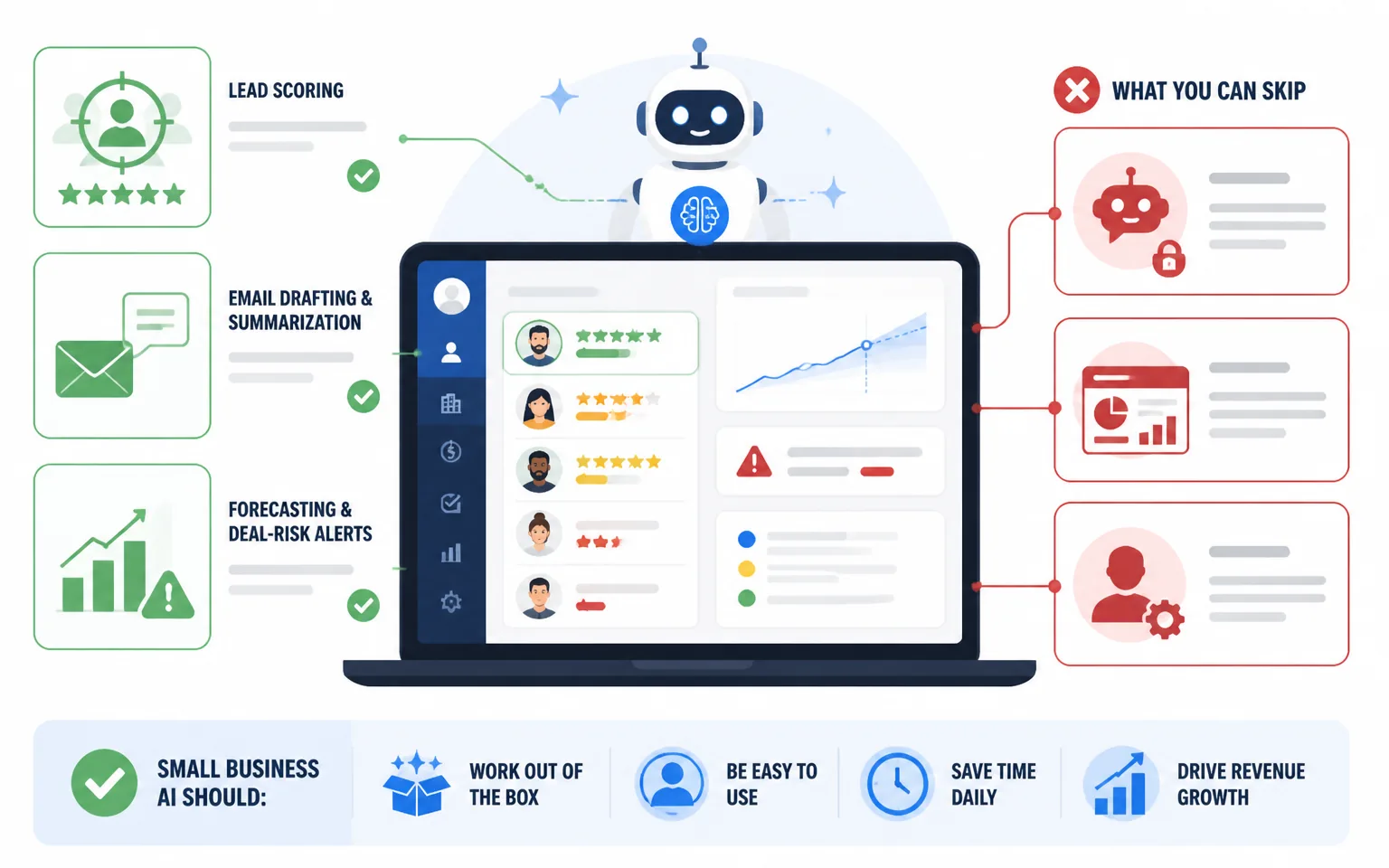
Lead scoring is the biggest one. AI that ranks your leads by likelihood to buy means your limited selling hours go to the right people. Considering that 79% of CRM users say AI is important in their sales tools (per SellersCommerce’s compilation of industry data), this is quickly becoming table stakes rather than a luxury.
Email drafting and summarization saves real time daily. The best implementations draft follow-ups in your voice using deal context, and summarize long threads before a call. Pair this with a proper strategy — I shared my approach in my AI email segmentation and automation guide — and your CRM becomes a revenue engine rather than a database.
Forecasting and deal-risk alerts matter once you have a real pipeline. AI that flags “this deal has gone quiet for 12 days” catches revenue you’d otherwise lose to simple neglect.
What can you skip? Chatbot add-ons priced as premium modules, “AI insights” dashboards that restate what you already know, and anything requiring a data-science hire to configure. Small business AI should work out of the box or not at all.
How to Choose the Right CRM for Your Business
Here’s the decision framework I give clients. If you’re pre-revenue or just starting, take HubSpot’s free tier or Zoho’s free edition — the cost of choosing “wrong” is nearly zero, and you’ll learn what you actually need. If you’re sales-driven with an outbound motion, choose Pipedrive. If you’re marketing-driven with funnels and email sequences, GoHighLevel consolidates your stack. If budget is the deciding factor, Zoho or Freshsales deliver the most capability per dollar. And if you’re scaling toward enterprise clients, Salesforce Starter puts you in the right ecosystem early.
Whichever you pick, the implementation matters more than the logo. Businesses that implement CRM properly report dramatic results — 91% report reduced customer acquisition costs, and conversion rate improvements up to 300% appear in studies cited by Wave Connect’s CRM statistics roundup. Those numbers come from consistent usage, clean data, and automated follow-up — not from the software sitting unused.
Common CRM Mistakes I See Small Businesses Make
The first mistake is buying for the business you hope to be instead of the business you are. A five-person team on a $300-per-month enterprise plan is burning money on features nobody opens.
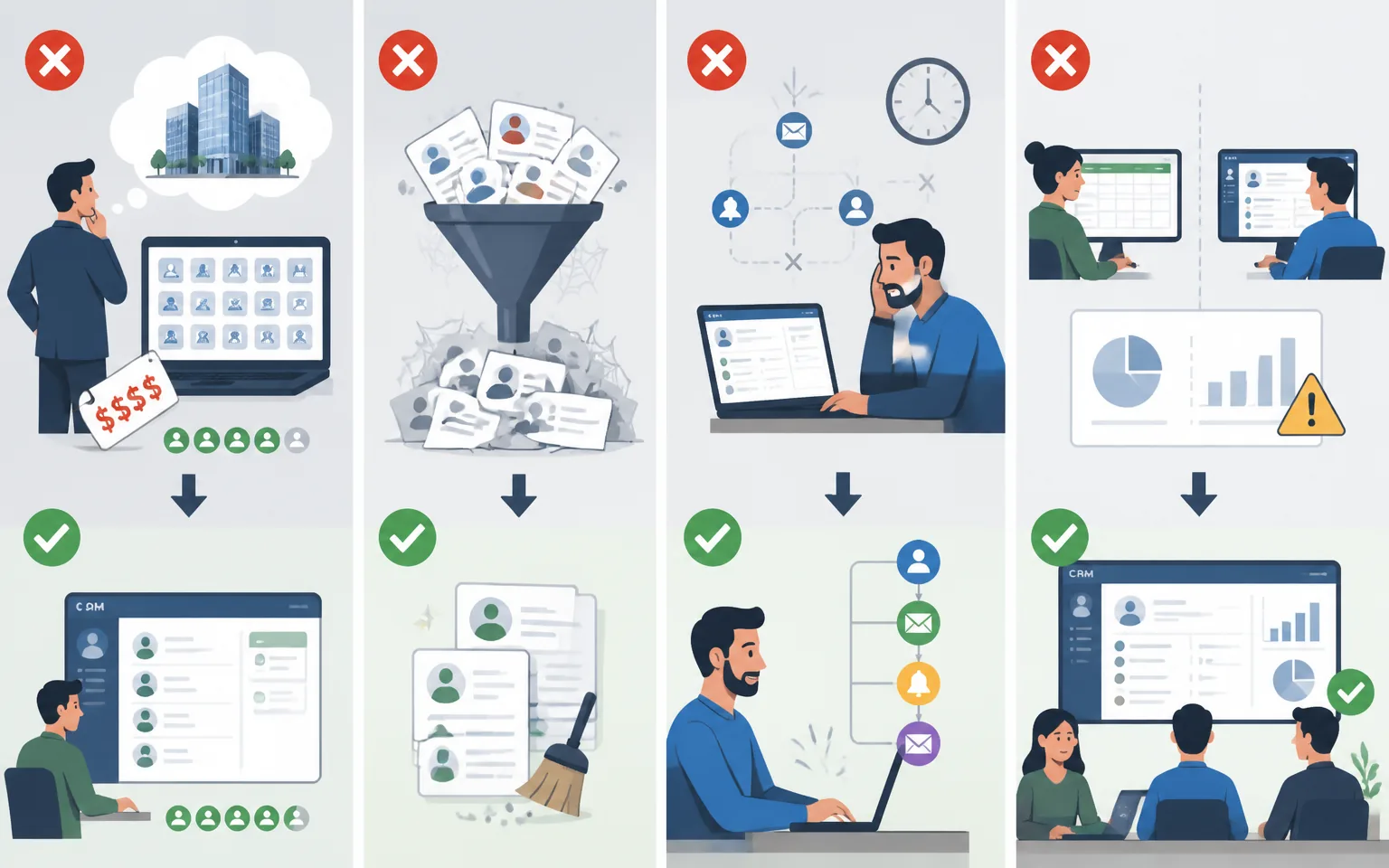
The second is skipping the data cleanup. Importing 4,000 stale, duplicated contacts into a shiny new CRM just gives you an expensive version of your old mess. Dedupe first, import second.
The third is ignoring automation. The average small team leaves most of their CRM’s automation unused, then complains it “doesn’t save time.” Even three basic automations — new-lead assignment, follow-up reminders, and a welcome email sequence — transform the daily experience. If you want to go deeper on connecting your CRM to the rest of your stack, my comparison of the best workflow automation software covers exactly how I wire these tools together.
And the fourth: not tracking adoption. If half your team still lives in spreadsheets, your reports are fiction. Make the CRM the single source of truth from day one.
Frequently Asked Questions
What is the best free CRM for small business in 2026?
HubSpot’s free CRM is the strongest free option overall, with deal pipelines, email integration, live chat, and scheduling included. Zoho’s free edition (up to three users) and Freshsales’ free tier are excellent alternatives if you prefer their ecosystems.
How much should a small business spend on a CRM?
Most SMB-focused CRMs land between $25 and $60 per user per month at the tiers small businesses actually need. My rule of thumb: start free or under $15 per user, and upgrade only when a specific limitation costs you more than the upgrade would.
Do I need AI features in my CRM?
Increasingly, yes. With AI-assisted CRM returning roughly $13.50 per dollar invested versus about $3–9 for traditional CRM (per the research cited above), AI lead scoring and email assistance pay for themselves quickly — but only if you’ll actually use them.
Can a CRM replace my email marketing tool?
Sometimes. HubSpot, Zoho, and GoHighLevel include capable email marketing; Pipedrive and Freshsales are lighter there. If email is your primary channel, run your CRM alongside a dedicated platform or choose an all-in-one deliberately.
How long does CRM implementation take for a small team?
For a team under ten people, expect one to two weeks to be genuinely productive: a few days for data cleanup and import, a few more for pipeline setup and basic automations, and the rest for habit-building.
Final Thoughts
The best CRM software for your small business is the one your team will actually open every morning. For most readers, that means starting with HubSpot’s free tier or Zoho CRM, graduating to Pipedrive if sales is your engine, or GoHighLevel if marketing is. The AI wave has made these tools dramatically more capable than they were even two years ago — and with companies using AI-equipped CRMs exceeding sales goals at far higher rates, sitting on a spreadsheet in 2026 is leaving money on the table.
Pick one, import your contacts this week, and set up three automations. Your future self — the one who never forgets a follow-up — will thank you.