AI Video Generator: Fast & Easy Video Creation for 2026

An AI video generator is a tool that uses artificial intelligence to turn text, scripts, or templates into professional videos in minutes—no cameras, editing skills, or expensive software required. Tools like Synthesia, Pictory, InVideo, and HeyGen let anyone produce high-quality videos with avatars, voiceovers, and background music in just a few clicks. This guide covers the top AI video generators of 2026, their key features, and how to use them to create engaging content for marketing, training, and social media.
AI video generators are here to revolutionize video creation for businesses. You can produce high-quality videos with just a few clicks—without expensive equipment or advanced skills. This blog post explores the top AI video generator tools, their features, and how they transform various industries.
Join us on this journey as we reveal the secrets behind AI video generators and how they are reshaping the video editing experience and the creation landscape. From AI video editing software to AI-powered custom videos with avatars and background music, you’ll discover how to harness the full potential of AI video generators and create professional-looking videos that captivate your audience.

Key Takeaways
- AI video generators are revolutionizing the production of professional videos, offering major time savings, lower costs, and effortless scalability.
- AI video editing software provides features such as auto-translation capabilities and a storyboard generator, so you can craft engaging videos quickly.
- Advanced features like text-to-speech, voiceovers, green screen, and screen recording can enhance AI-generated videos for various applications, including marketing and social media content creation.
How AI Video Generators Are Revolutionizing Video Creation

The need for extensive video editing skills is a thing of the past. AI video generators empower anyone to produce high-quality videos that resonate with their target audience. These innovative tools use artificial intelligence to expedite and automate video creation, enabling the swift and efficient production of professional-quality videos.
Individuals and businesses can benefit from using AI video generators in various applications, from marketing to corporate training and onboarding. The emergence of AI-generated videos has triggered a wave of innovation in the video production industry, bringing benefits like a streamlined workflow, the ability to craft complex videos, and the flexibility to add brand logos and colors.
As a result, AI video generators are becoming the go-to solution for creating engaging video content that captures viewers’ attention and drives results.
The Rise of AI-Generated Videos
Recently, AI-generated videos have soared in popularity, given their ability to expedite production, boost quality, and cut costs. With AI-powered tools, users can easily generate videos from text, templates, and other sources, making video creation more accessible. Popular options include:
- GliaCloud
- Synthesia
- InVideo
- Pictory
- Designs.ai
AI video generators accommodate a diverse spectrum of purposes, including:
- Marketing and social media videos
- Corporate training and onboarding videos
- Educational videos
- Product demos and tutorials
- Explainer videos
- Animated videos
By simplifying the video creation process and providing users with the tools to produce high-quality content, AI-generated videos are poised to continue their upward trajectory in the video production industry, making them one of the best AI solutions for video content.
Benefits of Using AI Video Generators
Utilizing AI video generators offers numerous advantages, from time and cost efficiencies to scalability and heightened engagement. By automating the video creation process, these tools save users valuable time and resources, allowing them to focus on other aspects of their business or creative projects.
Additionally, AI video generators facilitate quick and seamless scaling of video production, easing more content production without overburdening resources. The benefits of using AI video generators include:
- Fast and efficient scaling of video production
- Ease of creating more content
- Captivating and engaging videos that hold viewers’ attention
- Increased likelihood of achieving desired results
With such benefits at their disposal, it’s no wonder more and more individuals and businesses are turning to AI video generators for their video creation needs.
Top AI Video Generator Tools to Try in 2026

The best AI video generators in 2026 include Pictory, InVideo, Synthesia, DeepBrain AI, VEED.io, FlexClip, and HeyGen. With the growing demand for AI-generated videos, the assortment of AI video generator tools on the market is also expanding. Some of the leading tools include:
- Pictory
- InVideo
- Synthesia
- DeepBrain AI
- VEED.io
- FlexClip
- HeyGen
Each tool provides a unique set of features and pricing plans. Thus, assessing your needs is crucial before selecting the most suitable AI video generator.
From AI-powered video editing and custom avatars to background music and text-to-speech, these top AI video generator tools provide many features that cater to different video creation needs. By selecting the best AI video editor and the best AI video generators here, you can effortlessly produce AI-generated videos in 2026 and beyond, reaping the benefits of this cutting-edge technology.
AI Video Editing Software
AI editing software simplifies video creation, enabling users to craft engaging videos without extensive editing skills. Wisecut is an AI-powered video editing tool that helps create videos easily and quickly. It has been designed to make the video creation process more efficient.
Wisecut allows users to trim long pauses, add background music, and include subtitles, creating captivating videos in just a few minutes—a fraction of the time it would take using traditional video editing methods.
The unique feature of Wisecut is its auto-translation capability and the generation of a storyboard based on input speech. This allows users to quickly and easily edit their text-to-video output just by editing the text, making the video editing process more efficient and user-friendly. With AI video editing software like Wisecut, users can save time and effort while creating professional, high-quality videos.
AI-Powered Tools for Custom Avatars and Background Music
Beyond AI video editing software, various AI-powered tools exist to craft custom videos with avatars and compose background music. Tools like Synthesia and Swipes AI allow users to create custom avatars for their videos, adding a unique and engaging element to the content.
Synthesia, in particular, is a powerful tool for generating background music and voice, as it can create output in over 120 languages, accents, and voice tones. By incorporating custom avatars and background music into your AI-generated videos, you can create a more personalized and immersive experience for your viewers, further enhancing the impact of your content.
You can also bring your fictional characters to life using an AI character generator to create AI characters online, adding even more creative range to your video projects.
Creating Engaging Videos with AI Video Templates
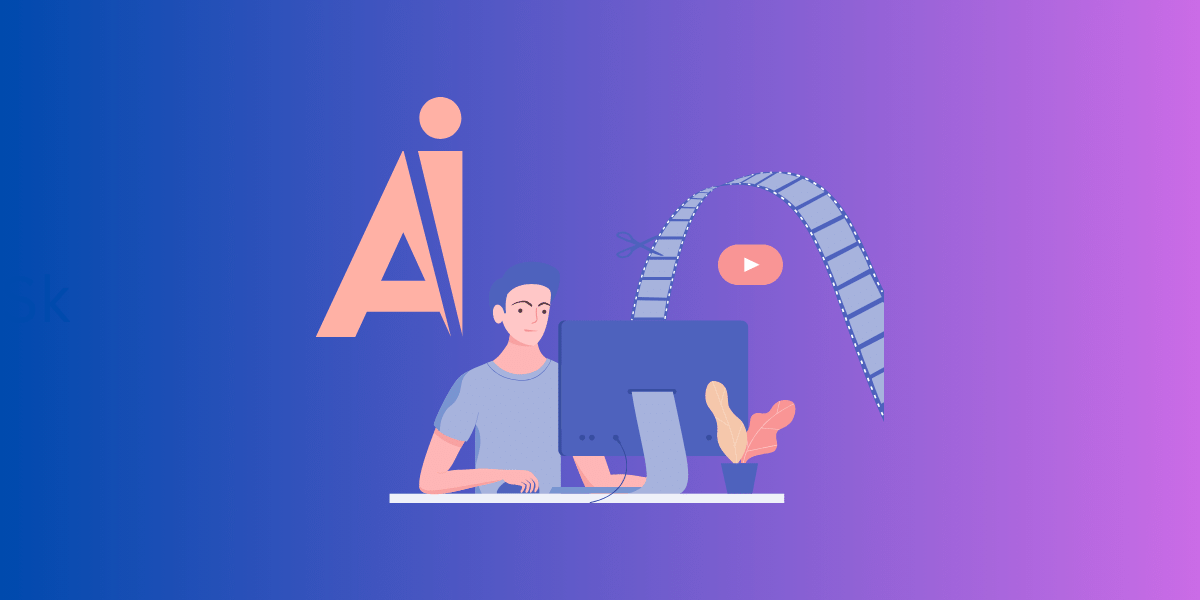
AI video templates offer a convenient way to craft engaging videos swiftly and effortlessly. These templates are pre-structured video formats produced using artificial intelligence technology that can be personalized to suit your needs.
AI video templates typically feature text-to-speech, voiceovers, and a selection of royalty-free stock video clips, making it easier for users to create captivating videos without starting from scratch.
By customizing AI video templates to meet your requirements and incorporating advanced features like text-to-speech and voiceovers, you can create professional videos and engaging content for various purposes, from marketing and social media to corporate training and onboarding. With AI video templates at your disposal, the possibilities for creating stunning, high-quality videos are endless.
Types of Video Templates
Various video templates are available to cater to varied needs and purposes. From marketing and educational videos to corporate announcements, AI video generators offer a range of templates that can be customized to your specific requirements. Some examples of AI video templates include:
- Video slide templates
- Customizable templates for vlogs
- Templates with avatars and voice styles
- Industry-specific templates
- Templates designed to help you create quality videos quickly and easily
Having diverse video templates at your fingertips enables you to create content that resonates with your target audience and meets your objectives. Whether you’re looking to create an explainer video, a product demo, or a promotional video, an AI video template is perfect for your needs.
How to Choose the Right Template
The success of your AI-generated video hinges on choosing the appropriate video template. To select the best AI video template for your needs, consider the purpose of the video and how it will be used. Be sure to evaluate the template’s design, animation, and audio features, as these elements play a significant role in the overall quality and effectiveness of the finished video.
Once you’ve narrowed your options, create a sample video using the template and assess its visual and audio quality. This will give you a better idea of whether the template meets your requirements and help you make an informed decision. By choosing the right template, you can create engaging AI-generated videos that deliver results.
Enhancing Your AI-Generated Videos with Advanced Features
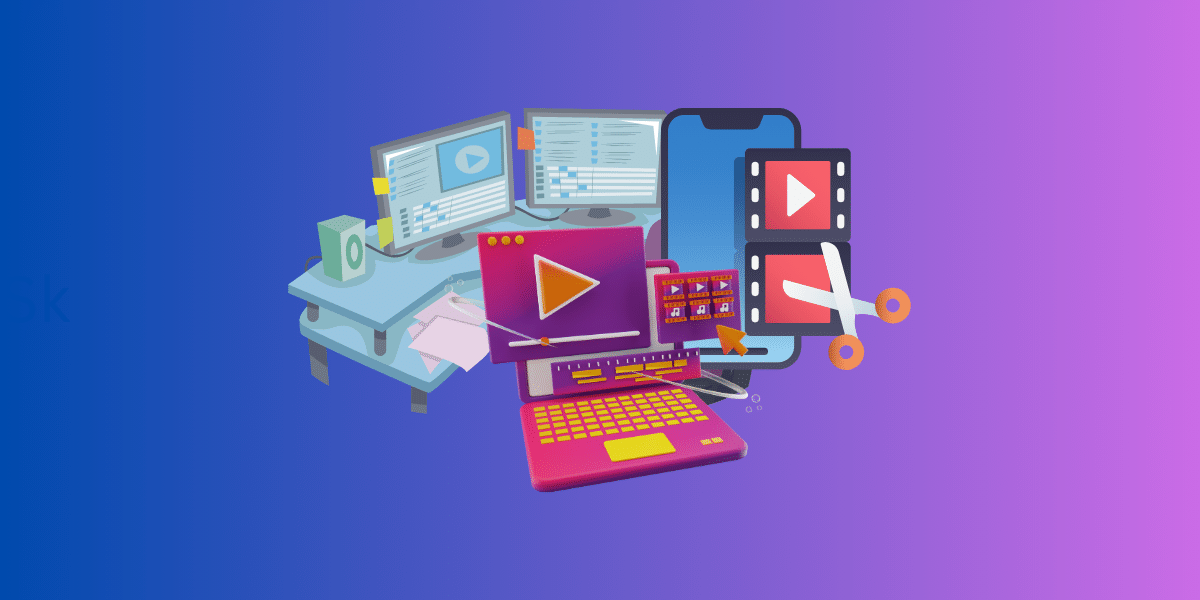
To make your AI-generated videos genuinely distinctive, it’s important to utilize the advanced features that AI video generators offer. Some of these features include:
- Text-to-speech: This advanced feature allows for converting written text into spoken words, making it possible to create voiceovers and narrations without needing a human speaker. It’s a game-changer for accessibility and efficiency in video creation.
- Voiceovers: Voiceovers add a human touch to AI-generated videos, providing a more engaging and personalized viewing experience. With AI, you can choose from various voice tones and accents to match your brand or the content’s context.
- Green screen: The green screen feature gives you the power to change the background of your videos, thereby creating different settings without needing physical locations. It’s an incredible tool for enhancing the visual storytelling aspect of your videos.
- Screen recording: This is a handy feature for creating tutorials, walkthroughs, and demonstrations. With screen recording, you can capture the activity on your screen and incorporate it into your videos, making it easier to explain complex processes or software usage.
By incorporating these features, you can create high-quality videos, significantly enhancing their quality and appeal and making them more engaging and effective.
By incorporating these advanced features into your AI-generated videos, you can create content that not only looks professional but also captures the attention of your viewers and drives results. Whether you’re creating marketing videos, social media content, or corporate training materials, these advanced features can elevate your AI-generated videos to the next level.
To take your visuals to the next level, you can also use an AI image enhancer to improve image quality for free before adding visuals to your video.
Text-to-Speech and Voiceovers
As potent tools, text-to-speech and voiceovers can elevate your AI-generated videos’ overall quality and effect. Text-to-speech technology converts written text into spoken words, making it easy to generate voiceovers for your videos without needing a professional voice actor or even using your own voiceover. There are several text-to-speech options available, such as:
- Synthesys
- Murf
- Google Text-to-Speech
- Free software options including Natural Reader, Balabolka, Panopreter Basic, WordTalk, HeyGen, and TTSReader
Incorporating text-to-speech and voiceovers into your AI-generated videos adds a personal touch, making your content more engaging and relatable to your audience. By using these features effectively, you can create videos that are not only visually appealing but also audibly captivating. For a deeper look at voiceover creation, see our Fliki AI guide to elite voiceover generation.
Green Screen and Screen Recording
Adding a green screen and screen recording to the list of features can significantly augment the visual appeal of your AI-generated videos. Green screen technology allows you to superimpose a subject onto any background, creating more dynamic video content. Various green screen options are available, including Green Seamless fabric, Lycra, Foam, Heavyweight paper, and Collapsible green screens like the Neewer Chromakey Backdrop and Webaround Big Shot Gen2.
Screen recording, on the other hand, is a technique used to capture the activity on a computer screen, making it perfect for creating tutorials and other types of instructional videos. By utilizing green screen and screen recording features in your AI-generated videos, you can:
- Create visually appealing and informative content
- Capture the attention of your audience
- Provide step-by-step instructions
- Demonstrate software or processes
- Enhance the learning experience
This can assist in producing engaging content that effectively conveys your message to the audience.
Practical Applications of AI Video Generators

AI video generators boast a broad spectrum of practical applications, affirming their versatility as tools for crafting engaging video content. Some examples of their applications include:
- Marketing and social media videos
- Corporate training and onboarding
- Educational videos
- Product demonstrations
- Explainer videos
- Animated presentations
With their ability to produce high-quality content that meets various needs and objectives, AI video generators are a valuable resource for businesses and content creators.
Whether you’re a business owner looking to create promotional videos, an educator developing learning materials, or a content creator needing captivating social media content, AI video generators offer a powerful solution to meet your video creation needs. By leveraging the power of AI video generators, you can create captivating content that drives results and leaves a lasting impression on your audience.
Marketing and Social Media Videos
AI video generators present a novel approach for crafting marketing and social media videos that captivate audiences and yield results. By using AI video generators, you can produce various types of marketing videos, such as:
- Product demos
- Explainer videos
- Testimonials
- Training videos
In addition to marketing videos, AI video generators can also be used to create engaging social media content, such as Instagram stories, Facebook ads, and YouTube videos. By leveraging the power of AI video generators, you can create visually appealing marketing and social media videos that resonate with your audience and boost engagement, ultimately leading to increased reach and success.
Stay ahead of the curve and grow your business this year with our comprehensive list of the top AI marketing tools to grow your business.
Corporate Training and Onboarding
AI video generators provide an effective solution for crafting corporate training and onboarding materials that are not only engaging but also informative. Using AI video generators, you can develop employee onboarding videos, training videos and materials, and internal communication videos that effectively convey important information and foster a positive learning environment.
In addition to their corporate training and onboarding applications, AI video generators can be used for marketing and social media, making them a versatile and valuable tool for businesses of all sizes. By leveraging the power of AI video generators, you can equip your employees with the knowledge and skills they need to succeed while saving time and resources.
Tips for Optimizing Your AI Video Creation Process
To maximize the efficiency of your AI video creation process, it’s vital to adhere to certain best practices and streamline your workflow. From streamlining text-to-video content ideation with AI tools to automating video editing and optimizing video thumbnails, there are several strategies you can employ to enhance your AI video creation process and achieve better results.
This section explores essential tips for optimizing your AI video creation process, including basic computer skills and best practices for creating videos, sharing, and distributing content. Following these tips, you can create engaging AI-generated videos that captivate your audience and drive results.
Basic Computer Skills and Best Practices
A strong foundation in basic computer skills is indispensable for AI video creation. The following skills are crucial to effectively using AI video generators:
- Proficiency in video editing software
- Knowledge of AI technology
- Understanding of video production techniques
- Creative thinking and storytelling skills
- Problem-solving and troubleshooting skills
- Collaboration and communication skills
- Continuous learning and adaptability
In addition to these essential computer skills, it’s important to follow best practices when using AI video generators to create professional videos. This includes using descriptive titles and captions, employing relevant hashtags, and incorporating a call to action in your videos. Using your computer skills and adhering to best practices, you can create AI-generated videos that resonate with your audience and achieve your objectives.
Sharing and Distributing AI-Generated Videos
After creating your AI-generated video, ensuring effective sharing and distribution of the content is key to maximizing its impact. There are several sharing options available for AI-generated videos, such as:
- Downloading the video
- Sharing through social media platforms
- Embedding the video on websites
- Sharing through messaging apps
To develop an effective distribution strategy for stunning videos, consider the pros and cons of each sharing option, your target audience, and the purpose of the video. Employ descriptive titles and captions, use relevant hashtags, and incorporate a call to action to encourage viewer engagement. By strategizing your sharing and distribution efforts, you can ensure your AI-generated videos reach their full potential and drive results.
Frequently Asked Questions
Is there an AI that can generate videos? Yes. AI video generators like Synthesia.io and Pictory can create videos from text, scripts, articles, blog posts, visuals, or other videos. DeepBrain AI also enables users to generate videos quickly by uploading a script and using the text-to-speech feature.
Is there a free AI video generator? Yes. Creating captivating AI videos is easy with FlexClip’s free online AI video maker and generator, which is powered by AI and provides instant short-form video-making results. Try it today for a great experience—and note that several other platforms offer free plans or trials, though they may include watermarks or feature limits.
How can I create a video using AI? To create a video using AI, identify the type of video you want, choose an AI video generator tool, gather the necessary resources, input them into the AI video creation tool, generate the video, preview and edit it, and then export and share the final product.
What are the main benefits of using AI video generators? AI video generators offer numerous benefits, such as time and cost savings, scalability, and increased engagement, making them invaluable tools for efficient and effective video creation.
What types of videos can I create with AI video generators? You can create various marketing videos, social media content, and corporate training materials, plus quality promo videos and onboarding videos with AI video generators.
Do I need editing skills to use an AI video generator? No. Most AI video generators are designed for beginners, using templates, text-to-speech, and automated editing so you can produce professional videos with only basic computer skills.
Summary
In conclusion, AI video generators are revolutionizing how we create videos, providing a more efficient and cost-effective solution for producing high-quality content. With many AI video generator tools and advanced features like text-to-speech, voiceovers, green screen, and screen recording, creating engaging and professional videos has never been easier.
As AI-generated videos continue to gain popularity and transform the video production landscape, it’s crucial to stay ahead of the curve and harness the power of this cutting-edge technology to create video content. Following this blog post’s tips and best practices, you can create captivating AI-generated videos that resonate with your audience and drive results. The future of video creation is here, and AI powers it.