AI Coding Assistants: A Practical 2026 Guide

A year ago, I treated AI coding tools as something for “real” engineers. Then I watched a non-technical client ship a working customer portal in a weekend using nothing but plain-English prompts and a browser. That moment changed how I think about software entirely. The line between “people who build software” and “people who use software” is dissolving, and the tool doing the dissolving is the AI coding assistant. In this guide I’ll walk you through what these tools actually are in 2026, which ones matter, how much they cost, where they fall down, and how to use them safely whether you’re a seasoned developer or a marketer who’s never opened a terminal.
If you’re deciding where to start, the official GitHub Copilot documentation is a solid primer, and the Stack Overflow Developer Survey shows just how mainstream AI coding tools have become among working developers.
This isn’t hype. The numbers are staggering. According to the Stack Overflow Developer Survey, 84% of developers now use or plan to use AI tools in their workflow, up from 76% in 2024 (Uvik, 2026). If you run a business, build a website, or manage a product, this shift touches you whether you write code or not.
What Exactly Is an AI Coding Assistant?
An AI coding assistant is software that uses a large language model to write, explain, debug, and refactor code based on your instructions. The earliest versions, like the original GitHub Copilot, behaved like a smart autocomplete: you’d start typing and it would finish the line. The 2026 generation is dramatically more capable. Today’s tools operate as agents — you describe a feature in plain English, and the assistant plans the work, edits multiple files, runs the code, reads the errors, and fixes them itself before handing it back to you.
This agentic leap is why adoption exploded. Microsoft Research found that developers using Copilot completed a benchmark task 55.8% faster than a control group with no assistant (Uvik, 2026). On average, developers using AI coding tools report saving roughly 3.6 hours per week — close to half a working day reclaimed (Panto AI, 2026).
The Rise of “Vibe Coding”
You’ve probably heard the phrase “vibe coding” by now. It describes building software by conversing with an AI rather than writing code by hand — you describe the vibe of what you want, the AI produces it, and you iterate. It sounds like a joke, but it’s a real and fast-growing category. The vibe coding market is now estimated at around $4.7 billion with a 38% compound annual growth rate (FindSkill, 2026). Most strikingly, 63% of people doing vibe coding are not professional developers (Taskade, 2026). This is the same democratization story I’ve written about before in my piece on what low-code really means — AI coding assistants are essentially low-code’s more powerful, conversational cousin.
The Major AI Coding Assistants in 2026
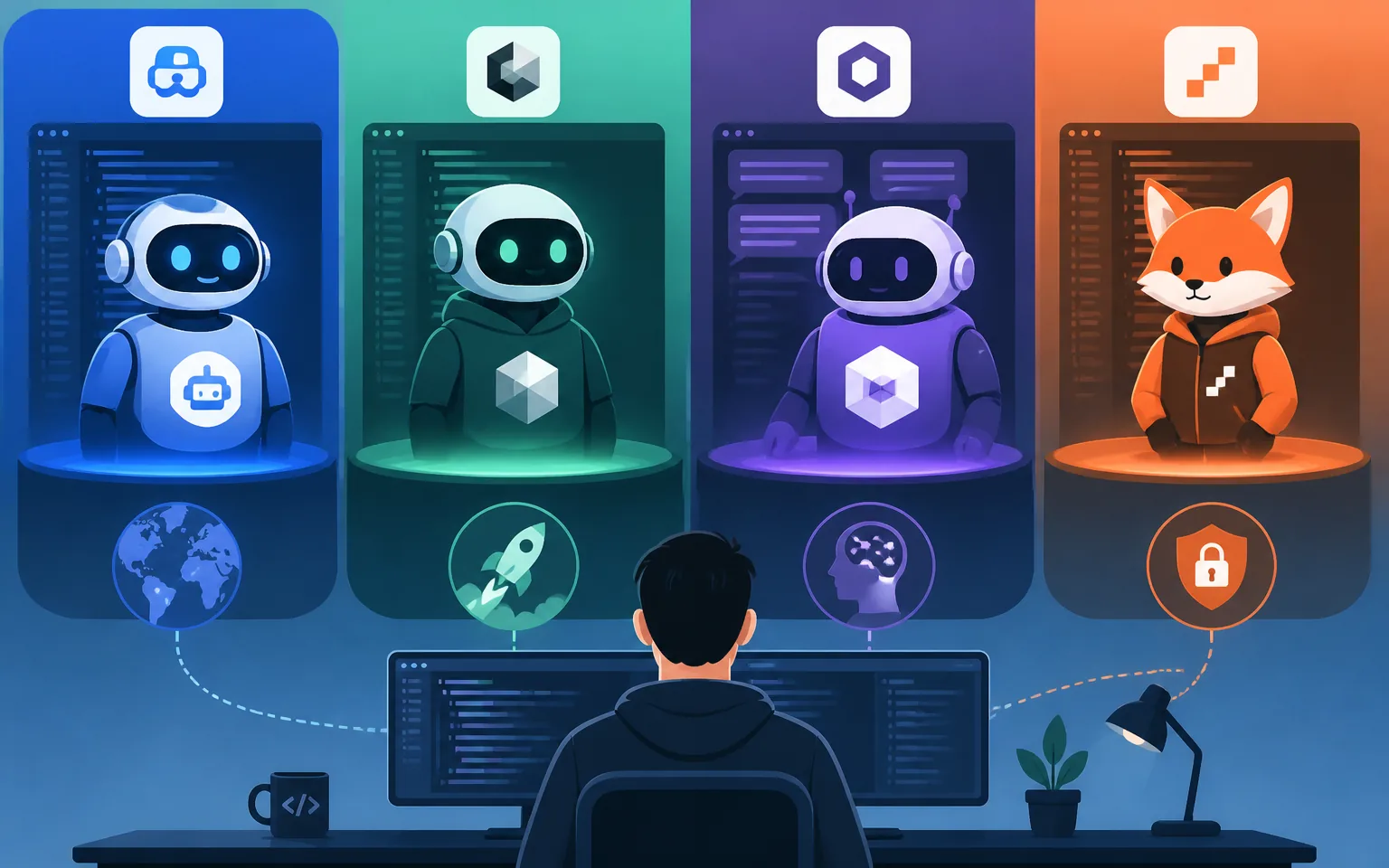
The market has consolidated around a handful of serious players, and each has a distinct personality. Roughly 41% of all code written today is now AI-generated, so the choice of tool genuinely matters (Taskade, 2026).
GitHub Copilot — The Incumbent
Copilot remains the market leader by raw reach. It holds roughly 29% of worldwide workplace adoption, reached approximately 20 million total users by mid-2025, and counted 4.7 million paid subscribers by January 2026 (Konabayev, 2026). Crucially for enterprise buyers, 90% of Fortune 100 companies have deployed it (Uvik, 2026). It’s deeply integrated into the GitHub ecosystem and Visual Studio Code, which makes it the safe institutional default. If your team already lives in GitHub, Copilot is the lowest-friction starting point.
Cursor — The Breakout
Cursor is the tool that turned heads fastest. It’s a full code editor (a fork of VS Code) built around AI from the ground up, and its growth has been almost unbelievable: it surpassed $2 billion in annualized recurring revenue by February 2026, doubling in just three months (Konabayev, 2026). Developers love its “Composer” agent for multi-file changes. It now shares roughly 18% of workplace adoption (Uvik, 2026). If you want the most polished agentic editing experience, Cursor is where most power users have landed.
Claude Code — The Satisfaction Leader
Claude Code, the terminal-based assistant, reached 18% adoption among developers by January 2026 and — notably — posted the highest satisfaction score of any AI coding tool surveyed, at 91% CSAT (Konabayev, 2026). It tends to excel at larger, multi-step tasks where understanding the whole codebase matters. For complex refactors and “do this across the entire project” jobs, it’s a favorite.
No-Code-Adjacent Builders
Beyond the developer-focused tools, a parallel wave of app builders — think Lovable, Bolt, v0, and Replit Agent — lets non-technical users describe an app and get a deployable result. These are the tools driving that 63% non-developer figure. If you’re a business owner rather than an engineer, this is your lane, and it pairs naturally with the no-code thinking I covered in how to choose the best low-code platform.
How Much Do AI Coding Assistants Cost?
Pricing in 2026 generally follows a freemium-to-subscription model. Most tools offer a limited free tier, then charge somewhere between $10 and $40 per user per month for individual pro plans, with enterprise tiers layering on security, admin controls, and higher usage limits. The deeper cost shift, though, is toward usage-based pricing: as agents do more autonomous work, providers increasingly meter by compute consumed rather than per seat. Enterprise adoption has grown an estimated 340% from 2024 to early 2026, and that demand is reshaping how vendors charge (FindSkill, 2026).
My practical advice: start on a free or cheap individual plan, measure how much time the tool actually saves you against your own hourly value, and only then commit to a team plan. The 3.6-hours-per-week savings figure is an average, not a guarantee — your mileage depends heavily on what you build (Panto AI, 2026).
The Honest Downsides: Trust, Quality, and Security
I’d be doing you a disservice if I only sold the upside. The most important statistic in this entire article might be this one: only 29% of developers say they trust AI outputs to be accurate in 2026 — and that’s down from 40% in 2024 (Uvik, 2026). Trust is falling even as adoption rises. That paradox tells you everything: people use these tools constantly but verify everything they produce.
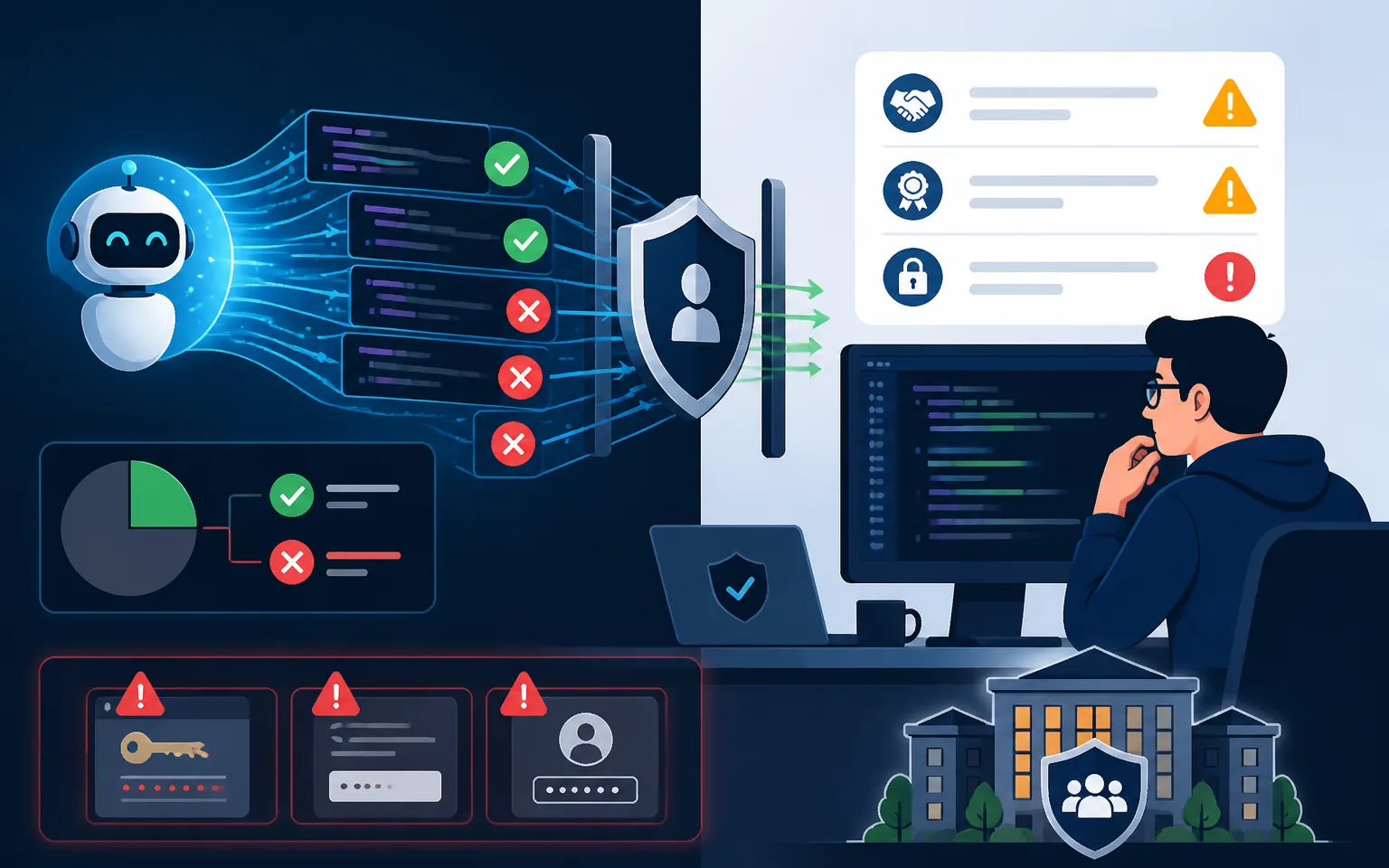
The evidence backs up the caution. In Accenture’s research, developers accepted only around 30% of Copilot’s suggestions, meaning two out of three were rejected on review (Uvik, 2026). AI-generated code can be subtly wrong, can introduce security vulnerabilities, and can confidently produce code that looks right but fails in edge cases. This matters enormously when 80%+ of Fortune 500 companies now allow AI-generated code in production systems — they allow it, but they govern it strictly with human review gates (Taskade, 2026).
Security Is the Sharpest Edge
If you’re vibe coding a public-facing app, security is where good intentions go to die. AI tools happily generate apps with exposed API keys, missing input validation, and weak authentication unless you specifically ask them to do otherwise. The same instinct I described in my guide to optimizing the checkout process applies here: anything that touches customer data or payments deserves expert human eyes before it goes live. Never ship an AI-built app handling sensitive data without a security review.
How to Actually Use These Tools Well
After a year of using these assistants daily, here’s the workflow I recommend, regardless of skill level.
Be specific in your prompts. “Build me a website” gets you mush. “Build a single-page contact form that validates email format, stores submissions in a Google Sheet, and shows a thank-you message” gets you something usable. Treat the AI like a talented junior who takes everything literally.
Work in small steps. Don’t ask for the whole app at once. Build one feature, test it, confirm it works, then move on. Agentic tools are powerful, but they compound their own mistakes when you give them too much rope.
Always read what it produces. You don’t have to understand every line, but you should understand the shape of what’s happening. With Gartner predicting that 90% of enterprise software engineers will use AI code assistants by 2028 — up from under 14% in early 2024 — the skill that will separate good builders from sloppy ones is the ability to review and direct AI output, not the ability to type code from scratch (FindSkill, 2026).
Keep a human in the loop for anything that ships. Use AI for the first 80% and a careful review — ideally by someone technical — for the last 20%. That last 20% is where bugs, security holes, and bad assumptions live.
Who Should Use What in 2026
If you’re a professional developer, Cursor or Claude Code will likely give you the biggest productivity jump, with Copilot as the conservative enterprise default. If you’re a small business owner or marketer who wants to build internal tools or prototypes, start with a no-code-adjacent builder like Lovable or Replit Agent. And if you’re a team lead deciding policy, remember that 92% of US developers already use AI coding tools daily — the question is no longer whether your team adopts these tools, but how you govern the quality and security of what they produce (Taskade, 2026).
Frequently Asked Questions
Will AI coding assistants replace developers?
Not in 2026, and probably not soon. With only 29% of developers trusting AI output and acceptance rates around 30%, these tools amplify human developers rather than replace them (Uvik, 2026). What’s changing is the job: developers spend less time typing boilerplate and more time reviewing, architecting, and directing. The role shifts from author to editor.
Can a non-technical person really build a working app?
Yes, for many use cases — internal tools, simple sites, prototypes, and MVPs. That’s exactly why 63% of vibe coding users are non-developers (Taskade, 2026). The caveat is that anything public-facing or handling sensitive data should get a professional review before launch.
Which AI coding assistant is the best?
There’s no single winner. Copilot leads on enterprise reach (29% workplace adoption), Cursor leads on agentic editing experience and revenue growth, and Claude Code leads on satisfaction (91% CSAT) and large multi-step tasks (Konabayev, 2026). Pick based on your environment and try two or three on free tiers before committing.
Is AI-generated code safe to use in production?
It can be, with governance. Over 80% of Fortune 500 companies allow AI-generated code in production, but they pair it with strict human review (Taskade, 2026). Treat AI output as a first draft that always needs verification, especially for security-sensitive code.
How much time will an AI coding assistant actually save me?
Studies show an average of about 3.6 hours per week saved, and up to 55.8% faster completion on specific tasks (Panto AI, 2026). The real number depends on your work — repetitive, well-defined tasks see the biggest gains, while novel or ambiguous problems see far less.
Conclusion
AI coding assistants are no longer a niche developer toy. With 84% of developers on board, 41% of all code now AI-generated, and a market measured in billions, they’ve become core infrastructure for how software gets made in 2026 (Uvik, 2026). The opportunity is enormous: faster building, lower barriers, and the genuine ability for non-technical people to create working software. But the falling trust numbers are a warning worth heeding — these are powerful tools that require judgment, specificity, and a human in the loop. Start small, prompt clearly, verify everything, and never ship sensitive code unreviewed. Do that, and whether you’re a developer or a business owner, you’ll be building things this year that would have been out of reach last year. That’s not hype — that’s just where software is now.