Online Safety for Kids: A 2026 Parent Guide

To keep kids safe online, combine four things: clear family rules, comprehensive monitoring tools, open conversations about risks, and education in digital citizenship. Together these protect children from cyberbullying, online predators, and inappropriate content while still letting them explore, learn, and grow in the digital world.
In today’s hyper-connected world, ensuring online safety for kids has never been more important. As children navigate the digital world, parents must equip them with the knowledge and tools to protect themselves from potential threats. By creating a safe online environment, establishing clear guidelines, and using proven monitoring solutions, you can empower your child to thrive online while minimizing risks. Let’s dive into the essentials of keeping kids safe online in 2026.
Key Takeaways
- Creating a safe online environment for kids requires proactive parental involvement and clear, agreed-upon guidelines.
- Comprehensive monitoring solutions, device management tools, location tracking apps, open communication, and education are all essential for protecting children from online threats.
- Encouraging physical activity, promoting creative hobbies, and teaching social media awareness and cybersecurity best practices safeguard your child’s overall well-being in the digital world.
How Do You Create a Safe Online Environment for Kids?
Creating a safe online environment for kids begins with recognizing potential threats like cyberbullying, online predators, and inappropriate content, then putting guardrails in place. As parents, we must be proactive and stay informed about these dangers rather than reacting only after something has gone wrong.
Establishing clear guidelines for internet usage and imparting knowledge of appropriate online behavior to our children, such as never sharing personal information online and using strong passwords, is vital. Additionally, deploying comprehensive monitoring systems on top of those rules helps ensure your child’s digital footprint stays safe and secure, so you can safeguard their online safety.
For a deeper, parent-focused playbook, our smartphone activity monitoring guide offers strategies and expert insights to help you confidently navigate the digital world and protect your child in an ever-evolving landscape.
Beyond understanding the risks, maintain a clear and candid dialogue with your children about their online experiences. That means:
- Discussing which websites or games they can access, and explaining why each is suitable or not.
- Monitoring their online activities.
- Fostering digital resilience so they can handle problems they encounter.
Together, these actions create a secure online atmosphere that lets children explore, learn, and develop safely.
Understanding Online Threats
Understanding the threats is the first step to protecting your children. The most common dangers kids encounter online include:
- Cyberbullying: using digital devices to bully others, which can severely affect a victim’s mental health and well-being.
- Online predators: individuals who aim to exploit children through grooming and manipulation.
- Inappropriate content: anything from adult-oriented material to websites promoting harmful behaviors or ideas.
Awareness of these threats lets parents take the right protective measures, including:
- Regularly reviewing their children’s online activities.
- Discussing the importance of internet safety with them.
- Using parental control tools to block inappropriate or unwanted sites.
Understanding online threats and taking proactive measures can ensure you keep your kids safe online in the digital world. By educating both ourselves and our children on the potential dangers and best practices, we can make the experience of kids being safe online a reality.
Establishing Clear Guidelines
Clear guidelines help children navigate the digital world safely and responsibly. Effective rules cover:
- The types of content they are allowed to access.
- How much screen time they get.
- The consequences of not following the rules.
A family agreement that spells out acceptable internet use gives children structure and promotes a healthy balance between online and offline activities.
Alongside time limits, educate your children about the risks tied to specific online activities. Important steps include:
- Teaching children how to recognize and avoid online predators.
- Teaching them how to recognize and handle cyberbullying.
- Teaching them how to identify and avoid inappropriate content.
- Fostering open communication so they report anything suspicious.
These steps keep children safer and prepare them to act appropriately when something goes wrong.
What Are the Best Monitoring Solutions for Kids?
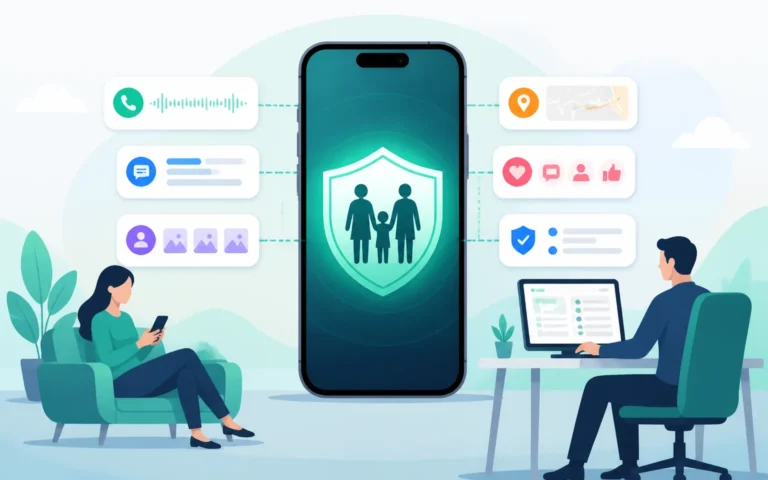
The best monitoring solutions combine parental control software, device management tools, and location tracking apps, all of which help parents closely monitor their children’s online activities and ensure their safety. These tools provide a range of features that can be used to monitor and manage online activities, such as setting time limits, blocking websites or keywords from search results, and even tracking the location of family members. Incorporating these monitoring solutions into your family security plan reinforces the importance of adhering to online safety guidelines and protecting your children.
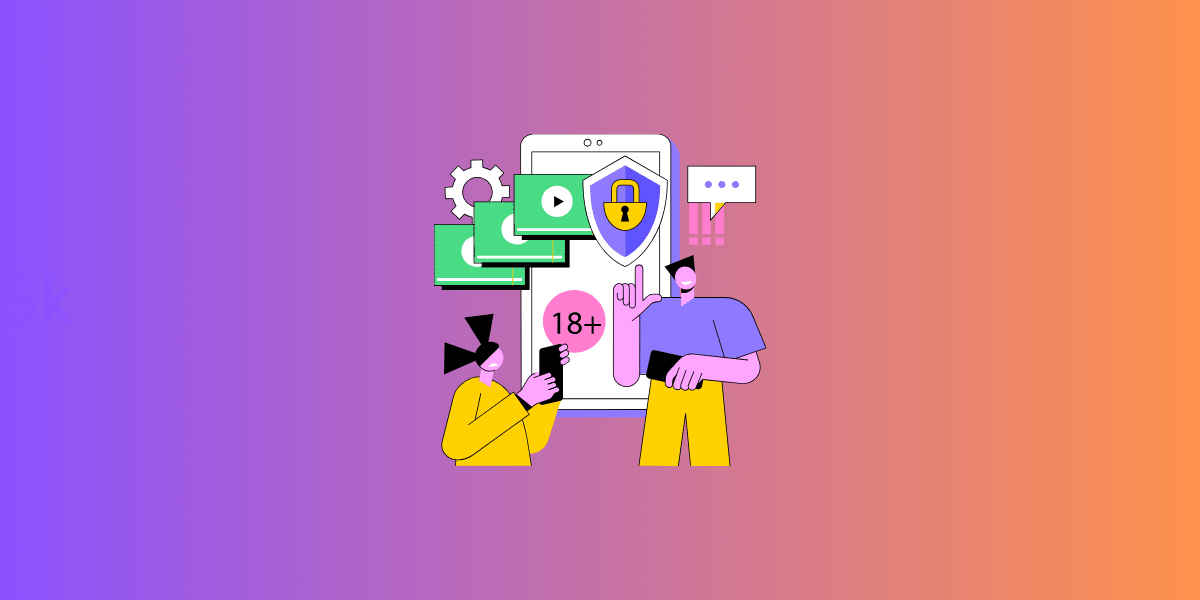
If you want a single, full-featured option, find out why many parents consider uMobix a top choice for comprehensive phone monitoring. The sections below explore each type of monitoring solution and the role it plays in safeguarding your children’s online safety.
Parental Control Software
Parental control software lets you limit internet usage, block inappropriate content, and monitor your children’s online activities. These tools are especially helpful for ensuring kids access age-appropriate content and avoid harmful websites or interactions. Kidslox, for example, offers device usage management, content blocking, and online danger filtering for a safer digital experience.
Our guide to parental control software for child digital safety covers the latest advances in digital parenting tools, with strategies to protect your child’s online presence in today’s fast-paced landscape.
When you add parental control software to your family plan, explain the reasoning to your children. That conversation invites questions, clarifies why the guidelines matter, and helps kids understand the risks of certain activities so they make positive choices online.
Device Management Tools
Device management tools help parents manage multiple devices, set screen time limits, and restrict access to specific apps and websites. They are particularly useful for families with several children and devices, since you can customize settings per child. Popular examples include:
- Jamf Pro
- Kandji
- Rippling
- ManageEngine Endpoint Central
- VMware AirWatch
Used well, device management tools enable parents to effectively monitor their children’s device usage, ensure adherence to established guidelines, and maintain a healthy balance between online and offline activities. This can help promote a safe online environment and foster responsible digital habits across the whole household.
Location Tracking Apps
Location tracking apps enable parents to monitor their children’s whereabouts and ensure their safety both online and offline. These apps utilize GPS technology to accurately track and monitor the location of a person or device in real time, providing parents with peace of mind and an additional layer of security. Popular location-tracking apps include Life360, Find My Friends, and Google Maps’ location-sharing feature.
Though location-tracking apps are valuable tools for ensuring our children’s safety, it is also vital to consider the potential privacy concerns associated with their use. Parents should have open conversations with their children about the reasons for using location-tracking apps and establish clear guidelines to maintain trust and promote responsible online and offline behavior.
Why Do Communication and Education Matter?
Open communication and education are the foundation of online safety, because tools alone cannot teach judgment. Fostering a safe online environment for our children requires both. Discussing online safety with them helps them understand the importance of protecting their personal information, being cautious with strangers online, and reporting suspicious activities.
Additionally, teaching them about digital citizenship empowers them to make responsible decisions online and interact positively with others. The subsequent sections delve into the significance of discussing online safety, imparting digital citizenship, and how they contribute to developing a secure online atmosphere for our children.
Talking About Online Safety
Discussing online safety with our children aids their understanding of the need to protect personal information and exercise caution with strangers online. This includes discussing the potential risks of certain online activities, such as cyberbullying, online predators, and exposure to inappropriate content. By having open and honest conversations about these topics, we can help our children recognize potential dangers and make informed decisions about their online behavior.
Encouraging our children to ask questions and voice their concerns about online threats is also essential. This can help them feel more comfortable discussing their online experiences and seeking guidance when needed. By fostering open communication, we can effectively support our children in navigating the digital world safely and responsibly.
Teaching Digital Citizenship
Imparting digital citizenship is vital to ensuring our children’s online safety. Digital citizenship encourages the formation of digital citizens who can thoughtfully and compassionately consider the ethical issues that arise from combining technology and humanity. By teaching our children about responsible online behavior, respect for others’ privacy, and the potential consequences of their actions, we can empower them to make wise decisions and engage in positive online interactions.
To teach digital citizenship effectively, parents should:
- Lead by example, demonstrating good behavior in their own online interactions.
- Foster an environment of open communication and trust.
- Discuss the principles of digital citizenship.
- Provide real-life examples.
By following these steps, we can help our children build a strong foundation for responsible digital behavior and ensure their safety in the digital world.
How Do You Balance Screen Time and Offline Activities?
Balance screen time by setting clear limits and actively encouraging physical activity and creative hobbies. Excessive screen time, if unmanaged, can lead to sedentary behavior, sleep disturbances, and screen addiction, so a healthy balance protects your child’s well-being.
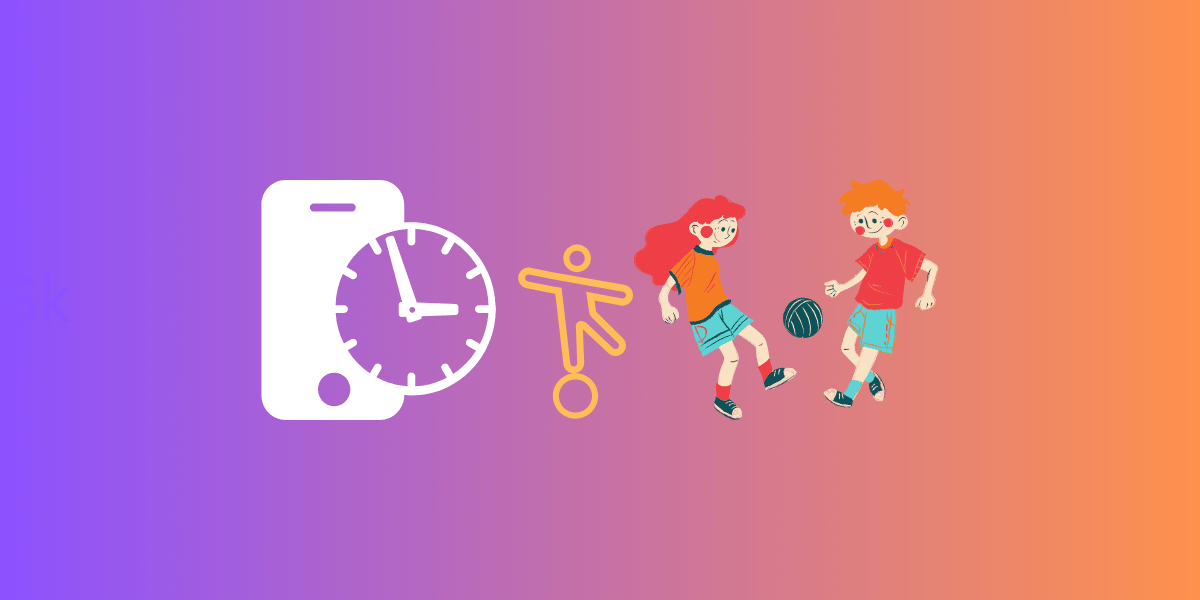
The sections below cover practical ways to encourage physical activity and creative hobbies that pull children away from the screen.
Encouraging Physical Activity
Physical activity promotes a healthy lifestyle and reduces the likelihood of screen addiction. Regular activities like walking, running, biking, swimming, or playing sports help children maintain a healthy weight, prevent disease, and improve their mental health and overall well-being.
Parents can support their children’s physical activity by:
- Encouraging involvement in sports, outdoor activities, and exercise.
- Participating as a family to promote a healthy lifestyle and strengthen bonds.
- Limiting screen time to build healthy habits that last a lifetime.
Promoting Creative Hobbies
Creative hobbies such as arts and crafts, music, or sports help children develop new skills and interests beyond the screen. They also build problem-solving and critical-thinking skills and provide a healthy outlet for stress and anxiety.
Parents can encourage creative hobbies by providing the right materials and resources, such as art supplies, musical instruments, or sports equipment. Parental guidance and support also help children discover activities they genuinely find intriguing and enjoyable. Promoting creative hobbies alongside balanced screen time supports well-rounded development.
How Can You Build Social Media Awareness?
Build social media awareness by teaching children about privacy settings, friend requests, and messaging etiquette before they become active on these platforms. As children spend more time on social media, this knowledge protects them from threats like cyberbullies and online predators.
The sections below explain how privacy settings and messaging etiquette help maintain a safe environment on social platforms.
Privacy Settings
Privacy settings protect your children’s personal information and limit their exposure to online threats. By teaching children how to adjust these settings, you help them control who can view their content and personal details.
Review privacy settings periodically to keep them current. Skipping this can expose children to inappropriate content or contact from strangers, raising the risk of cyberbullying, identity theft, and other threats. Prioritizing privacy settings is a simple, high-impact way to safeguard your child on social media.
Friend Requests and Messaging
Educating children about friend requests and messaging etiquette helps them recognize and avoid dangers like online predators and cyberbullies. Teach them to be cautious about accepting requests from people they do not know in real life, and to keep a polite tone when communicating online.
To help your children stay safe on social media:
- Teach proper messaging etiquette.
- Foster open communication.
- Empower them to make informed decisions about their interactions.
- Encourage them to report suspicious activity or inappropriate content.
These internet safety habits protect children from many common online threats.
What Cybersecurity Best Practices Should Kids Learn?
The two most important cybersecurity habits for kids are creating strong passwords and recognizing phishing scams. With cyber threats on the rise, these practices keep children’s accounts secure and protect them from unauthorized access.
The sections below explain how to build both habits.
Creating Strong Passwords
Strong passwords keep children’s accounts safe from unauthorized access. The best passwords combine upper and lowercase letters, numbers, and symbols, avoid common words and phrases, and change regularly.
A password manager helps children store and use unique, strong passwords for every account. Just as important, teach them never to share their passwords with anyone, since secrecy is central to account security.
Recognizing Phishing Scams
Phishing is one of the most common online threats, so children should learn to spot it. Phishing scams use deceptive emails or websites to trick people into handing over personal information or downloading malicious software.
Teach your children the telltale signs of phishing and encourage them to verify links and emails before opening them. Combined with open communication and ongoing education, this protects them from cybercriminals in today’s digital world.
Frequently Asked Questions
What are the 3 C’s of online safety? The three C’s are content, contact, and conduct. Each involves risks that can be commercial, aggressive, or sexual, and together they cover what children see, who they interact with, and how they behave online.
What are the main online threats children might encounter? The biggest threats are cyberbullying, online predators, and exposure to inappropriate content. Awareness of all three helps parents take targeted protective measures.
How can parents monitor their children’s online activities? Parents can stay informed using parental control software, device management tools, and location tracking apps. Used together with open conversation, these give a full picture of a child’s digital life.
How can students stay safe while exploring and meeting new people online? Students should avoid giving personal information to strangers, never meet anyone in person without parental permission, and never invite a stranger to meet them. Searching their own name, nicknames, and usernames in quotation marks (after logging out) also helps them see what is publicly visible.
What are good ways to promote physical activity and creative hobbies? Encourage involvement in sports and outdoor activities, and offer creative outlets like drawing, painting, music, and writing. Doing these together as a family makes them stick.
At what age should kids start learning about online safety? As soon as they begin using connected devices. Start with simple rules and supervision for young children, then expand into privacy, social media, and cybersecurity habits as they grow more independent.
Conclusion
Ensuring online safety for kids is an ongoing effort built on understanding the threats, setting clear guidelines, using comprehensive monitoring solutions, and keeping communication and education front and center. By fostering a safe online environment, balancing screen time with offline activities, and building social media awareness, you empower your children to explore, learn, and grow online while minimizing risk. Start with one change today, whether that is a family agreement or a monitoring tool, and build from there as parents, educators, and role models working together to protect the next generation.