Parental Control Software: Child Digital Safety in 2026

Parental control software helps parents keep children safe online by filtering inappropriate content, managing screen time, monitoring apps, and tracking location across Android and iOS devices. The best tools in 2026 — including Google Family Link, Apple Screen Time, Qustodio, and uMobix — let you tailor protection to each child’s age and needs while encouraging responsible digital habits.
As children navigate the digital world, ensuring their safety and fostering responsible online habits have become top priorities for parents. Parental control software has emerged as a powerful ally, providing the tools and features needed to monitor, manage, and protect children’s online activities. This guide explores how parental control software works in 2026 and how it can help you safeguard your child’s digital world.
Key Takeaways
- Parental control software provides essential features to help parents safeguard children’s online activities and manage screen time.
- Customizable settings can be tailored to each child’s unique needs, while open communication and collaboration are key to striking the right balance between trust and monitoring.
- Parents can choose from free built-in solutions or paid third-party apps with advanced customization options.
Why Is Parental Control Software Important?
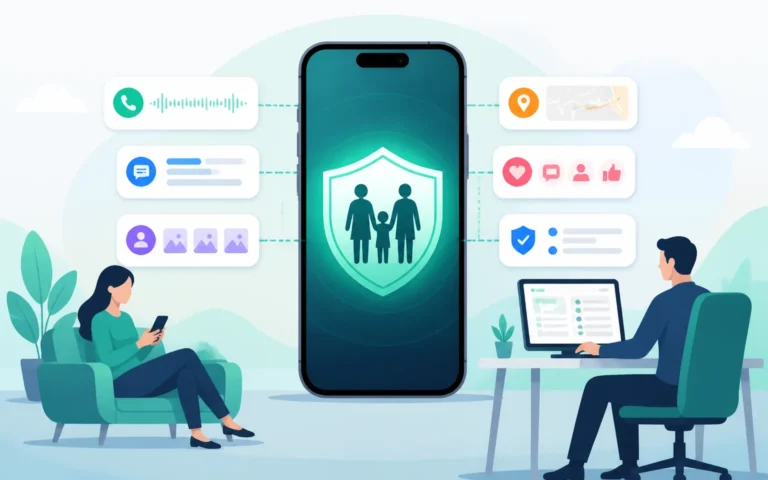
Parental control software matters because it gives parents practical oversight of an internet that offers both opportunity and real risk. It bundles content filtering, screen-time management, app monitoring, and location tracking into one place, helping you protect children online and foster digital responsibility.
Demand for these tools keeps growing: the global parenting-apps market is expanding steadily as more households add a monitoring layer to their kids’ devices, per Coherent Market Insights. That growth tracks a simple reality — most parents no longer treat monitoring as optional.
Navigating the vast and ever-changing internet presents both opportunities and challenges for parents striving to keep their children safe online. Parental control software has become a key instrument in this effort, offering comprehensive features to safeguard children, oversee screen time, and encourage responsible use.
Selecting the right parental control app — including options like Google Family Link, Apple Screen Time, and Qustodio — is essential to matching your family’s unique needs and preferences. With real-time alerts, app blocking, and location tracking, these tools give parents enhanced oversight of their children’s activities, particularly on Android and iOS devices.
Online Safety Concerns
The internet is a double-edged sword: it provides access to abundant information and resources while exposing children to risks such as cyberbullying, inappropriate content, and online predators. Parental control software addresses these concerns directly through content filtering, app monitoring, and location tracking — features that shield children from potential threats and help parents maintain their safety.
Our guide to online safety for kids walks you through the digital landscape, unveiling tools and strategies that empower parents to protect their children from online risks while nurturing a safe, secure environment.
Screen Time Management
Managing screen time is one of the biggest concerns for modern parents. Excessive screen time can lead to sleep disturbances, poor academic performance, and decreased social interaction. Parental control software solves this by letting parents set screen-time limits, build schedules, and oversee device usage. Establishing clear rules and designating screen-free periods guides children toward healthy digital habits and a balanced mix of online and offline activities.
Fostering Digital Responsibility
Teaching children to navigate the online world safely and ethically is the heart of digital responsibility. Parental control software supports this by blocking inappropriate content, limiting app usage, and tracking a child’s device location. By setting clear expectations and discussing the risks and responsibilities of online activity, parents lay the foundation for responsible digital citizenship and empower children to make informed choices.
Top Parental Control Software Solutions
The top parental control solutions in 2026 are Google Family Link, Apple Screen Time, Qustodio, and uMobix. Each offers a different mix of real-time alerts, app blocking, web filtering, location tracking, and customizable time limits, so you can choose the one that best fits your family.
Among the many parental control solutions available, a few stand out for their robust features and ease of use:
- Google Family Link: real-time alerts, app blocking, location tracking, and customizable time limits.
- Apple Screen Time: features similar to Family Link, built specifically for Apple devices.
- Qustodio: known for user-friendliness and comprehensive tools, including app blocking, web filtering, and social media monitoring.
These solutions let parents monitor children’s online activities and set time limits with confidence, choosing the option that best aligns with their family’s needs and preferences.
uMobix
uMobix is a sophisticated parental control tool offering a wide range of monitoring features. It comprehensively tracks calls, texts, and social media activity, along with real-time location tracking. It also lets parents set up alerts for specific keywords or phrases, making it possible to intervene in potentially harmful situations.
While it requires a subscription, the advanced features and detailed reporting make uMobix a strong contender in the parental control market. Discover why uMobix is a top choice for comprehensive phone monitoring in today’s digital age.
Google Family Link
Google Family Link is a free app designed for Android devices, giving parents a simple way to manage screen time, app permissions, and content filtering for children under 13. While it doesn’t offer the same level of customization as some third-party apps, it’s an excellent, cost-effective option for managing a child’s Android device usage.
Apple Screen Time
Apple Screen Time is a built-in feature for iOS devices, offering a convenient, free way to manage a child’s screen time, set app limits, and apply content restrictions. It may not match the advanced features of some third-party apps, but it’s a user-friendly, integrated choice that’s easy to set up and use for any child’s iOS device.
Qustodio
Qustodio is a comprehensive parental control solution with an extensive feature set, including app monitoring, location tracking, and social media monitoring. This robust software lets parents customize settings according to a child’s age and needs, ensuring a tailored approach to online safety. Qustodio requires a subscription for its advanced features, but it’s a highly effective option for parents seeking a more comprehensive and customizable tool.
How Do You Customize Parental Control Settings?
You customize parental control settings by adjusting age-appropriate content filtering, app blocking and monitoring, and location tracking to match each child’s maturity and needs. Tailoring these controls lets you build a safe online environment that fits your family rather than applying one rigid rule to everyone.
The sections below explain how to fine-tune each of these settings to provide the best protection for your child’s online activities.
Age-Appropriate Content Filtering
Age-appropriate content filtering protects children from explicit or harmful material online. By setting age restrictions, parents ensure children can only access content suitable for their developmental stage and maturity level. This safeguards against potential risks and promotes a safer, more nurturing online environment for kids to explore and learn.
App Blocking and Monitoring
App blocking and monitoring let parents restrict access to certain apps and keep an eye on usage. This prevents children from reaching inappropriate content or spending excessive time on particular apps, while still leaving room to explore and learn online. By setting clear boundaries and monitoring app use, parents foster responsible digital habits while keeping children safe.
Our guide to smartphone activity monitoring offers expert insights and practical strategies to help parents create a secure digital environment, using app blocking and monitoring to guide children toward responsible, safe online experiences.
Location Tracking and Geofencing
Location tracking and geofencing give parents peace of mind by letting them keep track of a child’s whereabouts and set boundaries for safe areas. These features monitor a child’s location in real time and send notifications if they enter or exit designated zones — an added layer of safety that helps prevent potential dangers and ensures their well-being.
Balancing Parental Controls with Open Communication
The best results come from balancing parental controls with open communication: software handles the technical safeguards, but honest conversation, clear expectations, and collaboration build the trust that keeps children genuinely safe. Tools work best as a supplement to dialogue, not a substitute for it.

This section covers why combining controls with communication matters — discussing internet safety, setting expectations, and encouraging collaboration between parents and children.
Discussing Internet Safety

Open, honest conversations about internet safety help children understand the risks and responsibilities of their online activities. By discussing dangers such as cyberbullying, online predators, and inappropriate content, parents equip their children with the knowledge and skills to navigate the digital world safely. Regular discussions raise awareness and encourage healthy online behavior and responsible digital citizenship.
Setting Expectations and Boundaries
Setting clear expectations and boundaries for online behavior and screen time helps children develop healthy digital habits. By establishing rules — and consequences for breaking them — parents teach accountability and responsibility around internet use. It’s equally important to stay consistent in enforcing these rules and to remain open to discussing changes or concerns with your children.
Encouraging Parent-Child Collaboration
A collaborative approach to managing online safety and screen time greatly enhances trust and understanding between parents and children. By involving children in decision-making and actively discussing internet safety, parents empower them to take responsibility for their own digital well-being. This approach strengthens the parent-child relationship and encourages children to make informed choices online.
Overcoming the Potential Drawbacks of Parental Control Software
Parental control software has a few potential drawbacks — privacy concerns, the possibility of children bypassing controls, and the challenge of balancing monitoring with trust — but each can be managed with careful tool selection, open communication, and consistent boundaries.

The sections below explore these drawbacks and the strategies for overcoming them.
Privacy Issues
Privacy concerns can arise from the data collection and sharing practices of some parental control software. To address this, parents should carefully research and choose trustworthy solutions that are transparent about their data collection and sharing policies. By selecting reliable software that respects privacy, parents can ensure their children’s safety without compromising personal information.
Bypassing Controls
Children may try to bypass parental controls using alternative devices, virtual private networks (VPNs), or third-party apps. To mitigate this risk, parents should:
- Stay informed about potential workarounds.
- Maintain open communication with their children.
- Discuss the importance of adhering to parental control rules.
- Explain the consequences of attempting to circumvent them.
Parents may also consider additional monitoring tools to help enforce parental control rules when needed.
Striking the Right Balance
Achieving the right balance between monitoring and trust is essential. Parental control tools work best as a supplement to — not a substitute for — open dialogue and guidance about responsible internet use. By setting clear expectations and boundaries while still allowing children room to explore and learn, parents can foster a healthy, responsible, and safe digital environment.
Free vs. Paid Parental Control Solutions
Free built-in controls like Google Family Link and Apple Screen Time cover the basics — screen time and content filtering — at no cost, while paid third-party apps like Qustodio and uMobix add advanced monitoring and customization for a subscription fee. The right choice depends on how much oversight and flexibility your family needs.
For families weighing free versus paid options, it helps to know what most parents already do: 96% track some aspect of their child’s online activity, and 69% consistently monitor screen time specifically, according to All About Cookies’ 2026 survey. Paid suites tend to bundle the screen-time and location features free tools only handle partially.
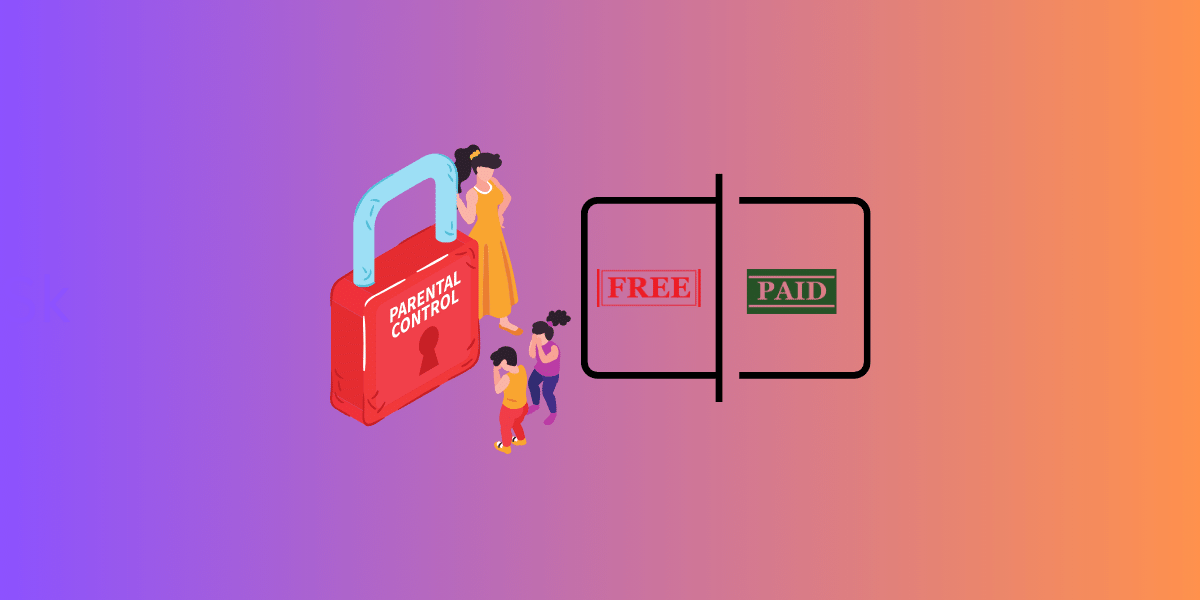
When selecting a solution, parents can choose between device manufacturers’ built-in controls or third-party apps. Built-in controls offer basic features for managing screen time and content filtering at no additional cost, while third-party apps provide more advanced features and customization in exchange for a subscription fee.
Built-In Parental Controls
Built-in parental controls, such as Google Family Link and Apple Screen Time, provide basic tools for managing screen time and content filtering at no cost. Because they’re integrated into the device’s operating system, they’re convenient and user-friendly — an economical option for parents who want to keep children from being exposed to inappropriate content.
Third-Party Apps
Third-party apps, such as Qustodio, offer more advanced features and customization than built-in controls, typically for a subscription fee. These apps provide a comprehensive suite of tools, including:
- Content filtering tailored to age-appropriateness
- App blocking and monitoring
- Location tracking
- Time limits and scheduling
- Social media monitoring
- Web browsing history tracking
These additional features give parents more control and visibility over a child’s online activities. While they come at a cost, third-party apps deliver a more robust and customizable solution for parents seeking the best protection for their children.
Frequently Asked Questions
How can parents control their children’s use of technology? Parents can control technology use by placing computers in open areas, creating a family agreement for internet use, establishing rules for when devices should not be used, and setting up screen-free zones at home. Parental control software adds enforcement through content filtering, app limits, and screen-time schedules.
How does parental control software make a device safer for children? It blocks access to adult websites, limits device use, manages communication with other users, and can set spending limits. Together, these protect children from inappropriate content, online grooming, cyberbullying, and other internet safety risks.
Why is it important to apply parental controls to digital devices? Parental controls are essential for keeping children safe online and protecting them from inappropriate content. They let parents monitor activity, set age-appropriate limits and usage times, and gain peace of mind — ensuring children aren’t exposed to content unsuitable for their age and don’t spend excessive time online.
What are the most popular parental control software solutions? The most popular solutions include Google Family Link and Apple Screen Time (free, built-in) and Qustodio and uMobix (paid, feature-rich), covering everything from basic screen-time limits to advanced monitoring.
How does parental control software address online safety concerns? It protects children from online threats through content filtering, app monitoring, and location tracking — shielding them from cyberbullying, predators, and inappropriate content while giving parents visibility into their activity.
Is free parental control software good enough? For many families, free built-in tools like Google Family Link and Apple Screen Time handle the essentials well. Parents who need deeper monitoring, social media oversight, or detailed reporting may prefer a paid app like Qustodio or uMobix.
Conclusion
Parental control software plays a crucial role in safeguarding children’s digital lives in 2026. By selecting the right solution and balancing monitoring with trust, parents can ensure online safety while fostering genuine digital responsibility. Pair the software with open communication and collaboration, and you and your child can navigate the digital world together — building a foundation of trust, understanding, and responsible digital citizenship. Start by choosing the tool that fits your family’s needs, then put it to work alongside an ongoing conversation about staying safe online.